Fleet Owners Support

Get help managing your DeliGo Ride fleet, drivers, and earnings. We’re here to support your operations every step of the way.

Welcome to DeliGo Fleet Support

As a Fleet Owner, you play a key role in keeping DeliGo moving. Find everything you need — from onboarding drivers to tracking vehicles and managing payouts.

Contact Support
Fleet Registration

Fleet Registration & Setup

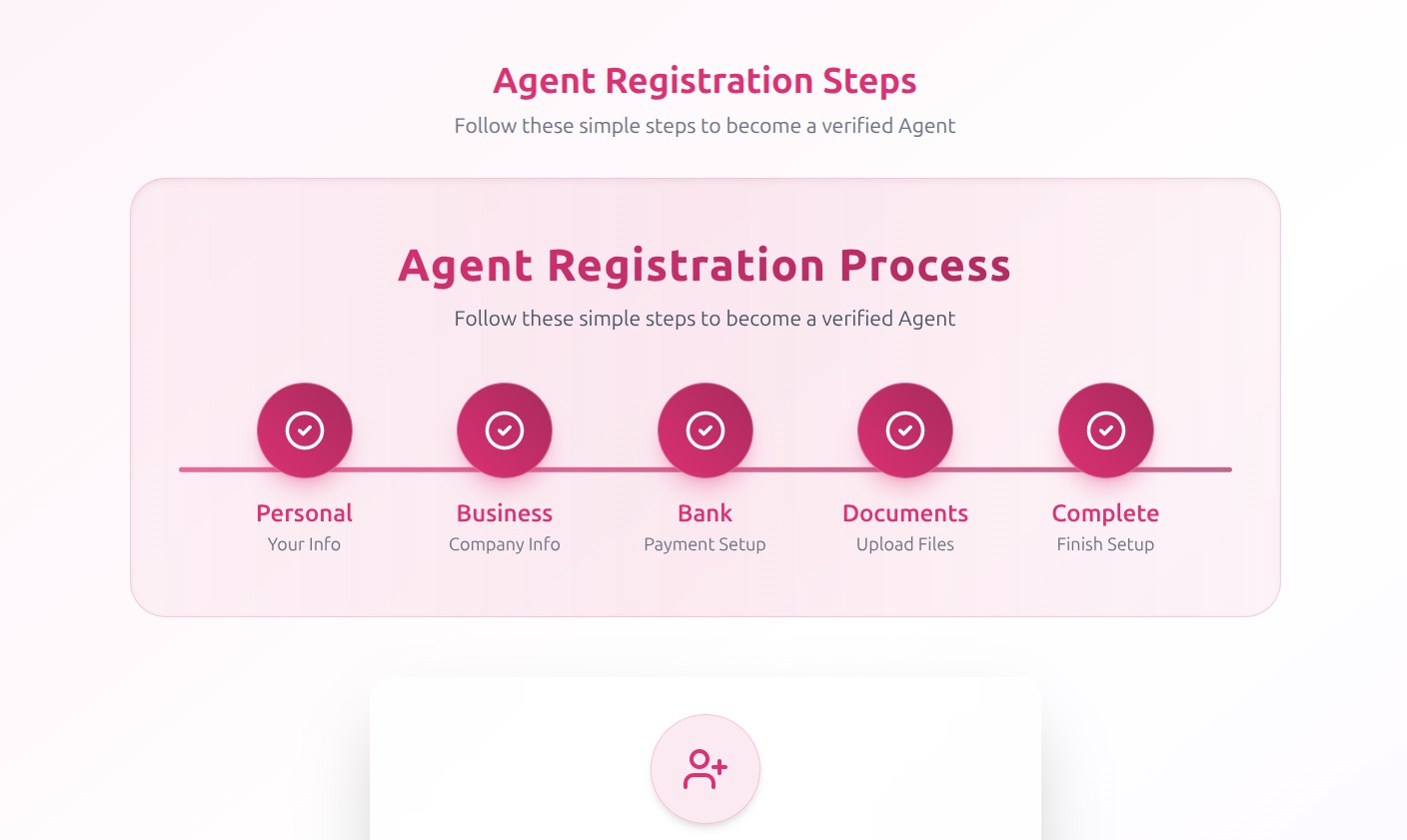
Registering your fleet with DeliGo Ride is fast and simple. Here’s how it works:

  • Visit DeliGo Fleet Portal and create your account.
  • Upload required documents (company license, NIF, insurance, vehicle info).
  • Add your vehicles and link approved drivers.
  • Track registration progress from your admin dashboard.
Fleet Management Dashboard

Managing Your Fleet

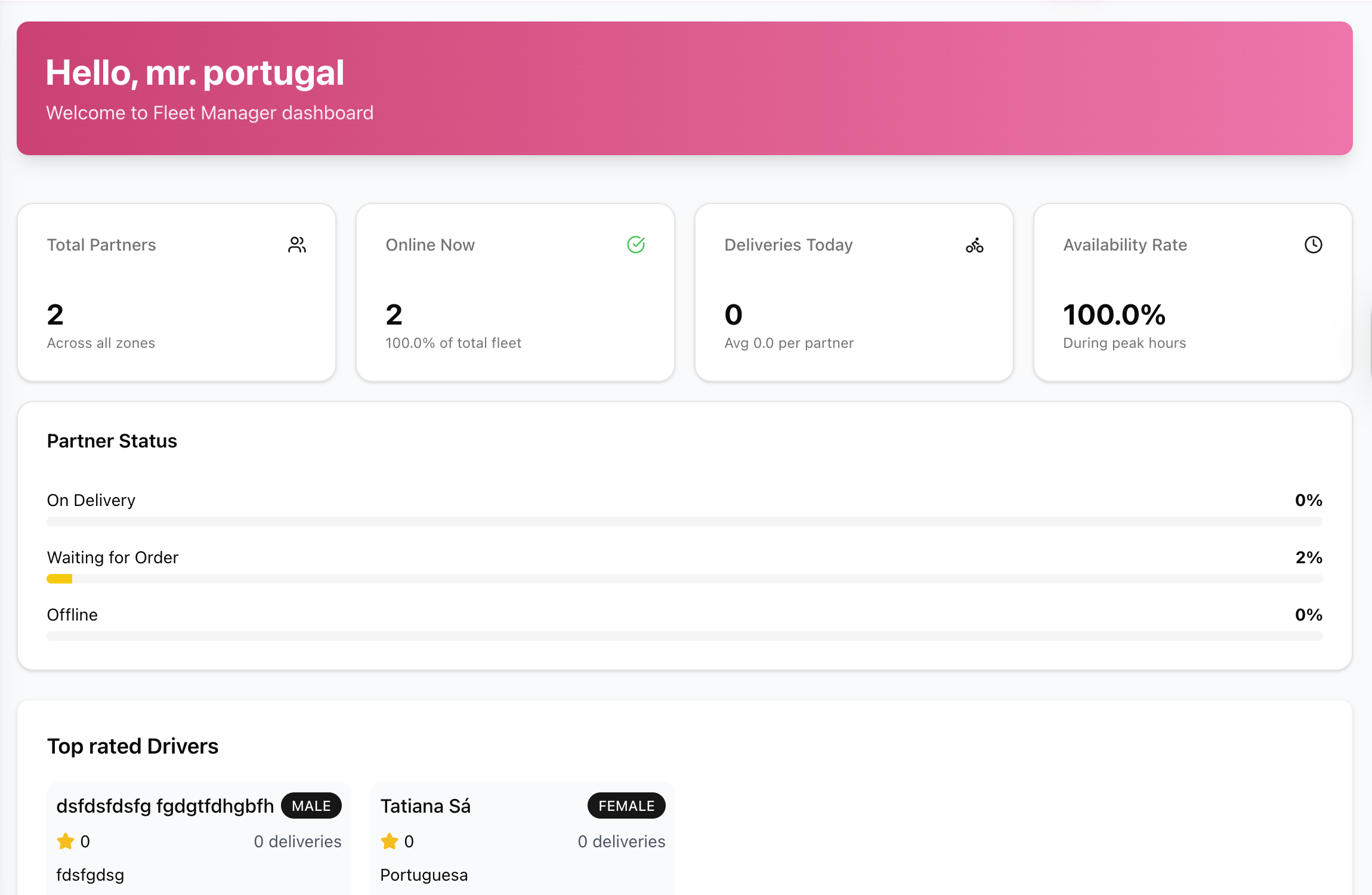
Use your Fleet Dashboard to monitor performance and maximize productivity:

  • View live trip activity and driver locations.
  • Monitor daily earnings, trip logs, and mileage reports.
  • Receive notifications about inactive vehicles or pending documents.
  • Manage driver schedules, payments, and fleet availability in real-time.
Driver Onboarding for Fleet

Adding & Managing Drivers

Fleet Owners can easily onboard and manage drivers under their account:

  • Invite drivers via your Fleet Dashboard.
  • Approve driver profiles and verify documents before activation.
  • Track driver performance, trip ratings, and availability.
  • Remove inactive or underperforming drivers instantly.
Fleet Payments and Payouts

Payments & Payouts

Easily track all earnings, driver settlements, and fleet payouts:

  • Weekly payout summaries directly in your dashboard.
  • Option to receive consolidated fleet payments or per-driver transfers.
  • Download PDF reports for accounting and business tracking.
  • Real-time updates on completed trips and pending amounts.

Frequently Asked Questions

There’s no fixed limit. You can register as many vehicles as approved under your business license. Contact support if you plan to scale your fleet beyond 50 vehicles.

Go to your Fleet Dashboard → Vehicles section to edit or remove existing cars. Replacement vehicles must pass DeliGo’s inspection before activation.

Yes, with the DeliGo Fleet Management System, you can oversee multiple accounts or sub-fleets under one business profile.

Need more help?

Our Fleet Support team is available 7 days a week to assist you with management, payments, or driver setup.

Email: support@deligo.pt

Phone: +351 920 136 680 (Mon–Sun, 9:00–22:00)

App Support: Open the DeliGo Fleet App → Menu → Help & Support

Back to Support Center